· One min read
Martijn Smit

As we wrap up another year of keys, clicks, and curious stats, we're diving into the planning for WhatPulse 2026. We'd like to hear from you. You're the one actually using the app every day, watching the stats climb, chasing badges, tweaking habits, or just enjoying the data rabbit hole. Your input helps us understand what's working, what's not, and what would make WhatPulse even more useful and fun next year.

This year's survey is a handful of questions and it helps us understand how you use WhatPulse, what features genuinely helped you, and where things could improve. We're exploring new ideas right now, like deeper habit tracking, more meaningful insights, smarter comparisons, and ways to make your profile actually do more. Your answers play a big part in deciding what lands first.

As a little thank-you, everyone who completes the survey gets entered into a raffle for one $50 digital gift card and five $20 gift cards. Not bad for a five-minute survey.

Thanks for being part of the WhatPulse community, your input really does shape where the app goes next.

👉 Take the survey here: https://whatpulse.org/surveys/the-end-of-year-pulse-check-2025
WhatPulse Year-End Survey

· One min read
Martijn Smit

I've added something small but fun this week: you can now earn a new badge by completing your profile.

Your profile helps WhatPulse understand your goals a bit better so we can do more interesting things with your stats in the future. Think comparisons with people who use their computer like you do, or recommending applications and habits based on what you care about. I'm excited about the possibilities.

For now, it only takes a minute to answer 4 questions: things like your primary goal with WhatPulse, your role, and what kinds of stats matter to you. Once you're done, a shiny new badge gets added to your collection.

Head over to Account → Profile to check if you've filled everything in.

Last Day for 35% Off Premium​

Today is also the last day to grab 35% off a yearly Premium subscription. If you've been waiting for the right moment, this is it, the discount disappears after today.

Thanks for being part of the community, and enjoy the new badge.

Martijn, WhatPulse Team

· 3 min read
Martijn Smit

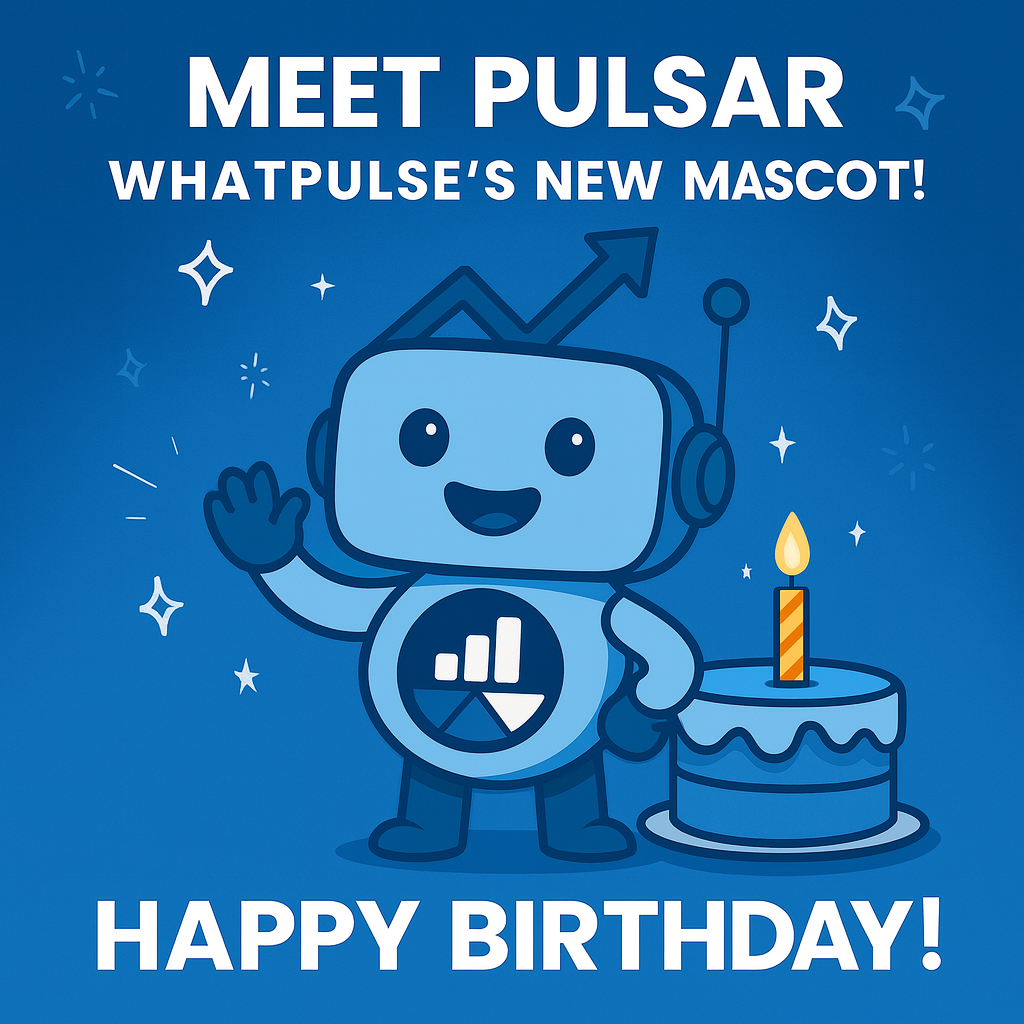
Pulsar has now officially joined WhatPulse, and we're making it a full-on celebration. You might've seen him sneak into a few places already, but now it's confirmed: Pulsar is our new mascot, and this week is all about welcoming him properly.

To mark the occasion, we're kicking off Pulsar Birthday Week, a small, fun celebration with perks for both new and existing Premium users. This week very conveniently coincides with Black Friday/Cyber Monday, so we thought, why not make it special and not just another sale? It's just a coincidence, I swear.

· 3 min read
Martijn Smit

I've just shipped WhatPulse 5.11.1, a maintenance release that focuses on one visible change and a lot of "feel better" improvements under the hood.

The headline: there's a new status bar, application syncing is easier to understand, and 5.11.1 includes a good round of crash and shutdown fixes based on real-world reports.

macOS note: After updating, you might need to reset the Accessibility permissions for WhatPulse. It should only take a minute, and there's a step-by-step guide in the help center.


WhatPulse status bar

New: a status bar ✨​

There's a new status bar at the bottom of the main window. It's meant to give you a quick "how's WhatPulse doing?" glance without opening extra windows.

Here's what it shows:

· 3 min read
Martijn Smit

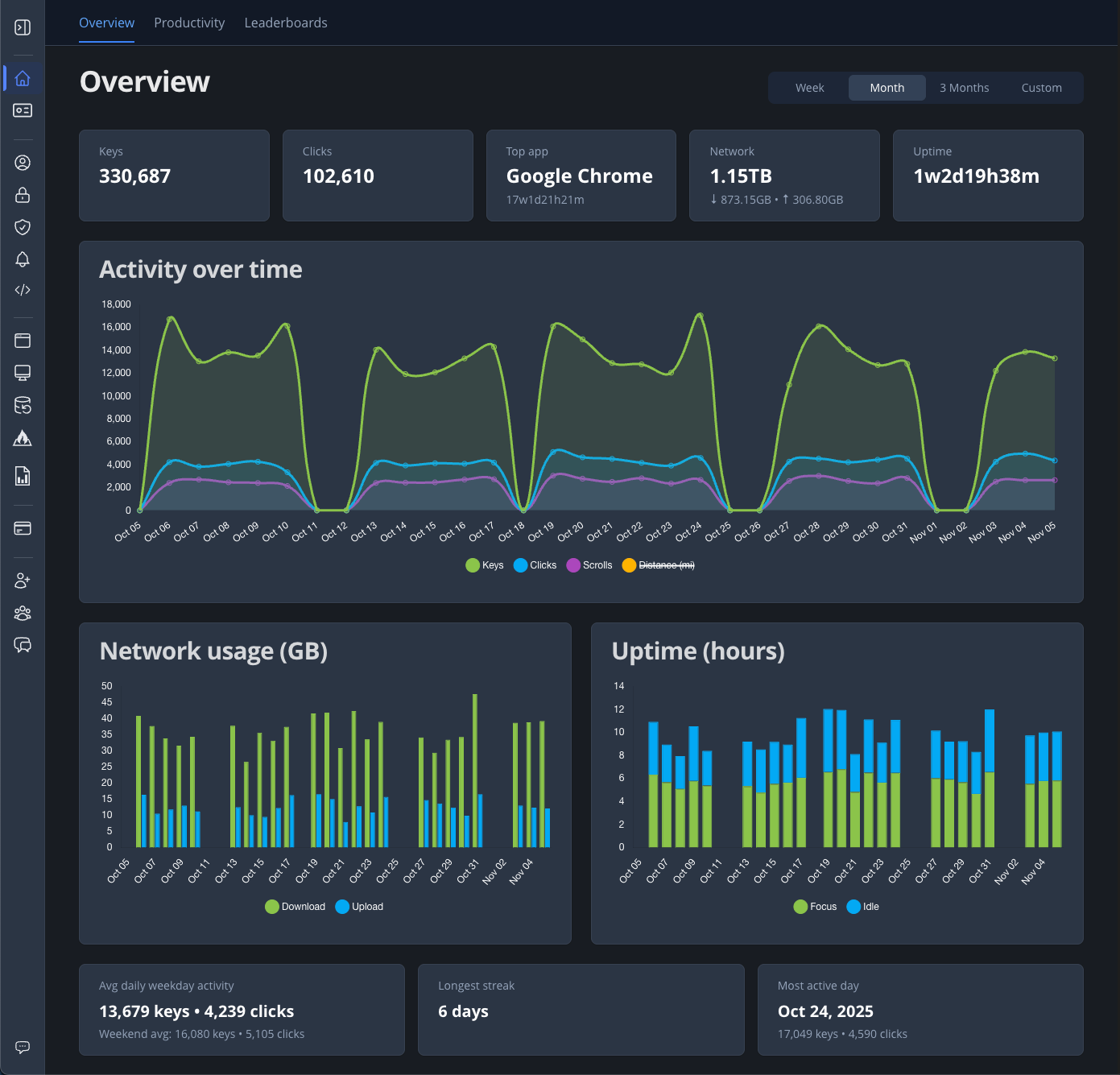
Over the years, WhatPulse has grown from a simple key counter into a detailed productivity companion. Today, we're taking the next step with an entirely new Dashboard: built to make your data more meaningful, easier to explore, and a lot faster to use.

This update replaces the old customizable widget system with three clean, focused pages: Overview, Productivity, and Leaderboards.

Overview: your daily pulse​

Overview dashboard